Click or drag across the X/Y plane, use arrow keys, adjust hue, enter HEX, or choose a basic color.
Screen colors and printed output can differ by display calibration, color profile, material, ink, and lighting. Verify production colors in the target medium.
This tool runs locally in your browser. Inputs and results are not transmitted or retained by BoringToolsKit.
Use this result
Share the current inputs or ask ChatGPT to explain the calculation in context.
What does this calculator estimate?
#FF0000 equals rgb(255, 0, 0) and hsl(0 degrees, 100 percent, 50 percent), which is pure red. RGB values run 0-255; HSL hue runs 0-360 degrees.
- Hex #RRGGBB maps directly to RGB components (Wikipedia).
- HSL separates hue, saturation, and lightness for intuitive editing.
- Red is 0 degrees on the HSL wheel; green 120; blue 240.
What the color models mean
Hex and RGB describe color as red/green/blue intensity — ideal for screens. HSL describes hue (the color family), saturation (intensity), and lightness (brightness) — more intuitive for choosing and adjusting colors. The tool shows all forms at once.
Limitations to watch for
Screen colors are device-dependent — the same hex looks slightly different across monitors. HSL is a transform of RGB, not a perceptual model like LAB. Colors intended for print need CMYK, which this tool doesn't cover.
How to use it in practice
Pick a base color, then use the HSL values to create harmonious variants (change lightness for shades, saturation for tones). Copy the hex into your CSS or design tool. Check contrast with a contrast tool for text.
- Pick a color or enter a hex code.
- Read the RGB and HSL equivalents.
- Copy the format you need.
How this calculator works
Formula
Converts between color models: hex (#RRGGBB) ↔ RGB ↔ HSL, with HSV. RGB values are 0–255; HSL hue is 0–360° with saturation and lightness as percentages.
Worked example
#FF0000 = rgb(255, 0, 0) = hsl(0°, 100%, 50%) — pure red.
Assumptions to verify
- The color is for screen use (RGB family).
- Hex input uses the standard #RRGGBB form.
- Device calibration is outside the tool's scope.
Frequently asked questions
How do I convert hex to RGB?
Split #RRGGBB into three byte values: #FF0000 = rgb(255, 0, 0). The tool does this instantly.
What is HSL?
Hue (0–360°, the color family), saturation (0–100%, intensity), lightness (0–100%, brightness) — a more intuitive color model than RGB.
Why is #FF0000 red?
FF is the maximum red byte (255), with zero green and zero blue — pure red.
Can I get CMYK for printing?
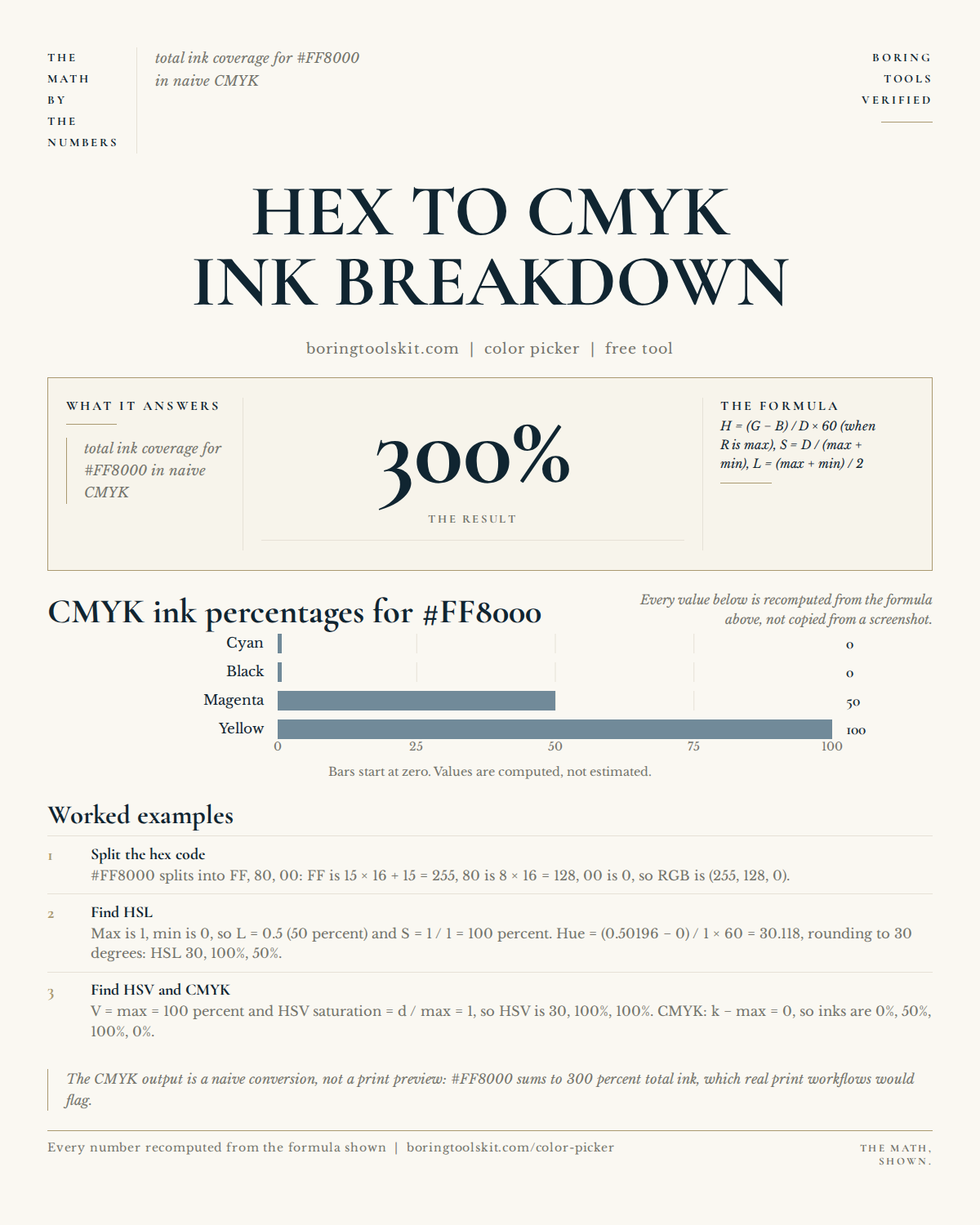
No — this tool covers screen color models (hex, RGB, HSL). Print work needs CMYK conversion.
Why does my color look different on other screens?
Displays aren't perfectly calibrated; the same hex renders slightly differently across devices.
How do I make a color lighter?
Increase lightness in HSL — or add white in a design tool. Lowering lightness makes darker shades.
What's the difference between HSL and HSV?
HSL and HSV both describe hue/saturation but differ in the third axis: lightness (HSL) vs value/brightness (HSV).
Cite this tool
BoringToolsKit. “Color Picker.” boringtoolskit.com/color-picker/ (reviewed 2026-08-25). Free to reference in articles, syllabi, and answer posts with a link.
Privacy: Inputs and results stay in this browser. Any future sponsored recommendation or advertisement will be clearly labeled and kept separate from the calculation.